gFractor
A powerful and flexible spectrum
analyzer for modern audio production.
Introduction
See it in action
What makes it different
Tools that think like musicians
From sound design to mixing and mastering — gFractor gives you precise visual feedback and deep insight into your audio at every stage of the workflow.
Three modes.
Every perspective.
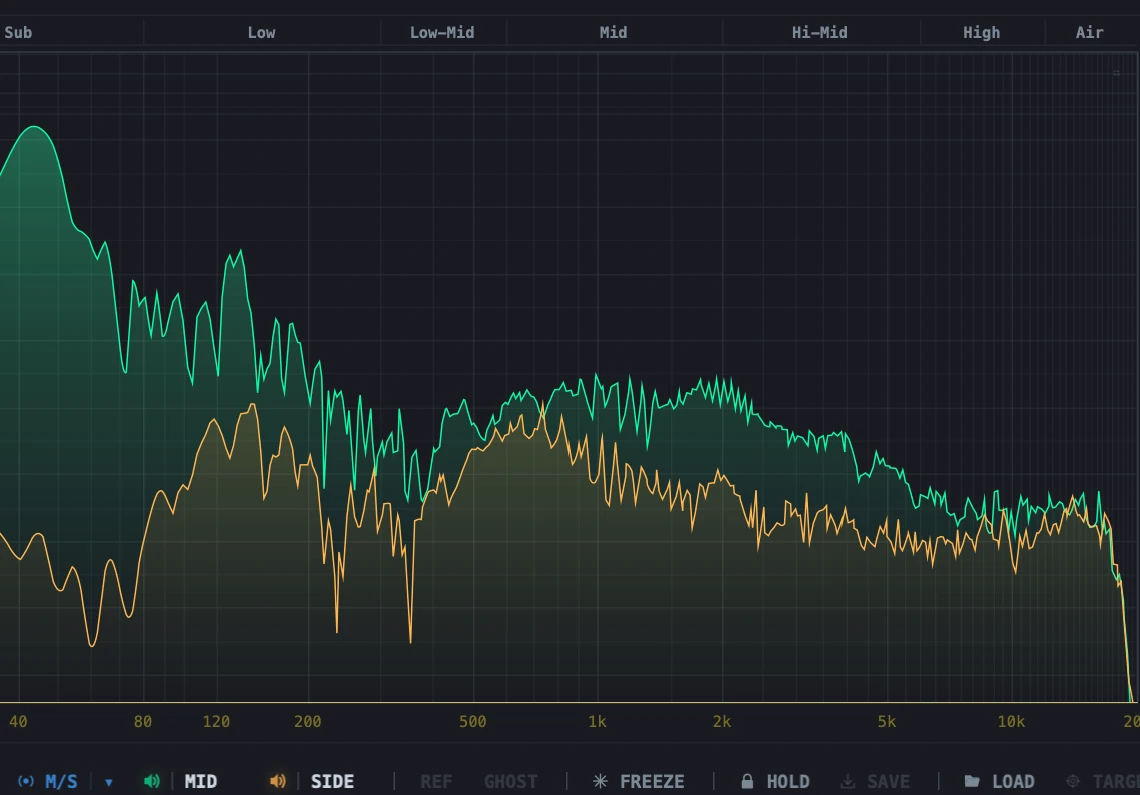
Switch between Mid/Side, Left/Right, and Transient/Tone analysis to explore your signal from any angle. Monitor individual components — isolate transients from tonal content, or hear the mid and side channels in complete separation.
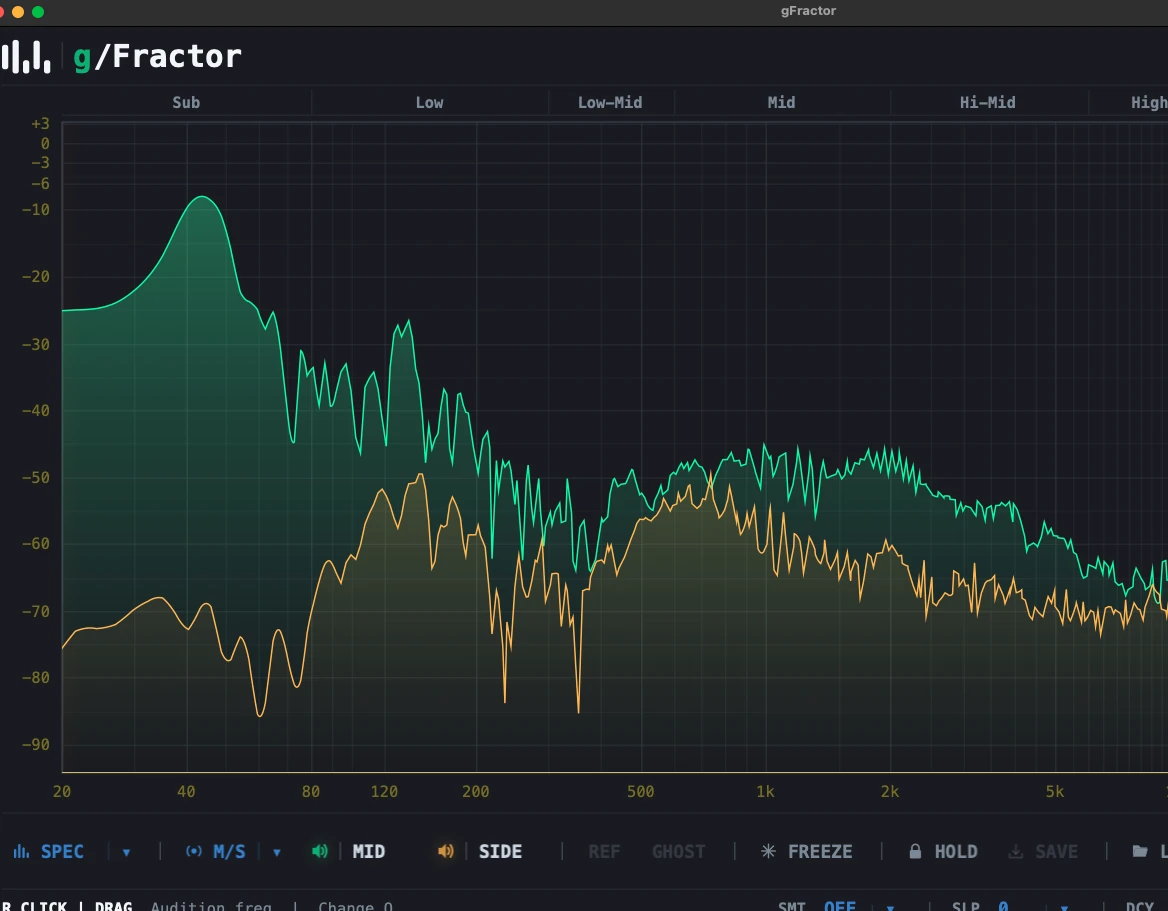
Main and sidechain,
side by side
Visually compare your main signal against a sidechain reference — instantly revealing spectral relationships between tracks. Swap main and sidechain with a single key press for rapid A/B analysis without breaking your flow.
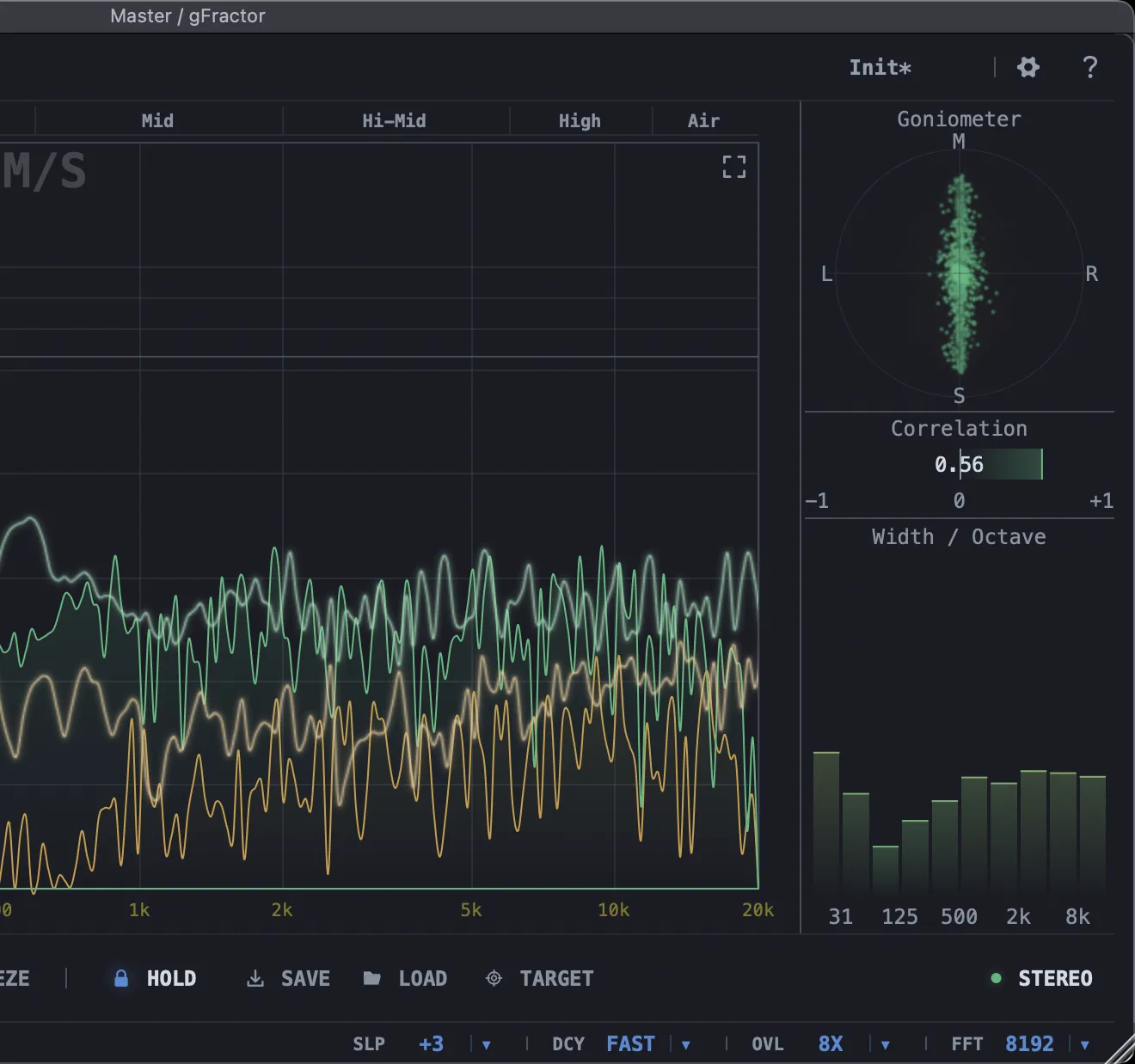
Your stereo field,
fully mapped.
Comprehensive stereo visualization in one place: a goniometer for phase and imaging, a correlation meter for mono compatibility, and correlation broken down per octave — so a phase problem in the sub can't hide behind an in-phase midrange.
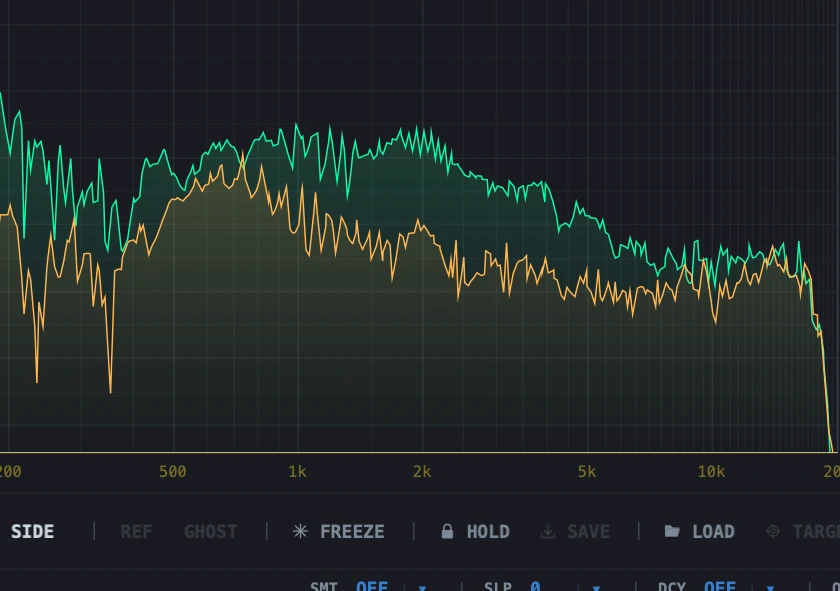
Save a target.
Match it later.
Capture any Peak Hold curve as a reusable target and save it to a file. Load it back in any session to compare against your current track — perfect for matching tonal balance across mixes or checking a master against a reference.
Loudness,
to spec.
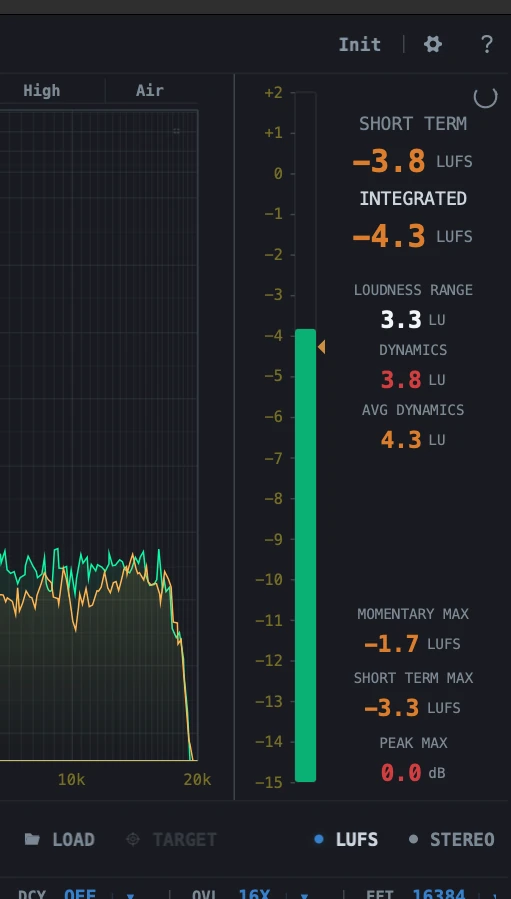
A full ITU-R BS.1770-4 / EBU R128 loudness meter sits alongside the analyzer. Track short-term and integrated LUFS, loudness range, and dynamics at a glance — with momentary, short-term, and peak maximums held since the last reset. Switch to LU to read against your delivery target, and check crest factor alongside PSR and PLR.
Available now
Free. No compromises.
No demo mode. No watermark. No 30-day trial.
Professional-grade tools should be in everyone's hands.
Your download is starting.
Know when the next version ships.
New gFractor releases and betas first — plus new plug-ins and the occasional note from the workshop. No spam, unsubscribe in one click.
Vote for gFractor as Favorite Utility in the KVR Audio Readers’ Choice Awards 2026. It’s free and helps others discover gFractor.
Preview channel
Try the next release early.
New features, fresh fixes — and the occasional rough edge. Feedback helps shape the next stable build.
No preview build right now
The latest stable release is 1.2.3. When the next preview opens it lands here first — follow the news to catch it early.
Help shape gFractor
Got an idea?
Missing a feature or have a workflow we should support? Tell us — we read every request.
Request a feature